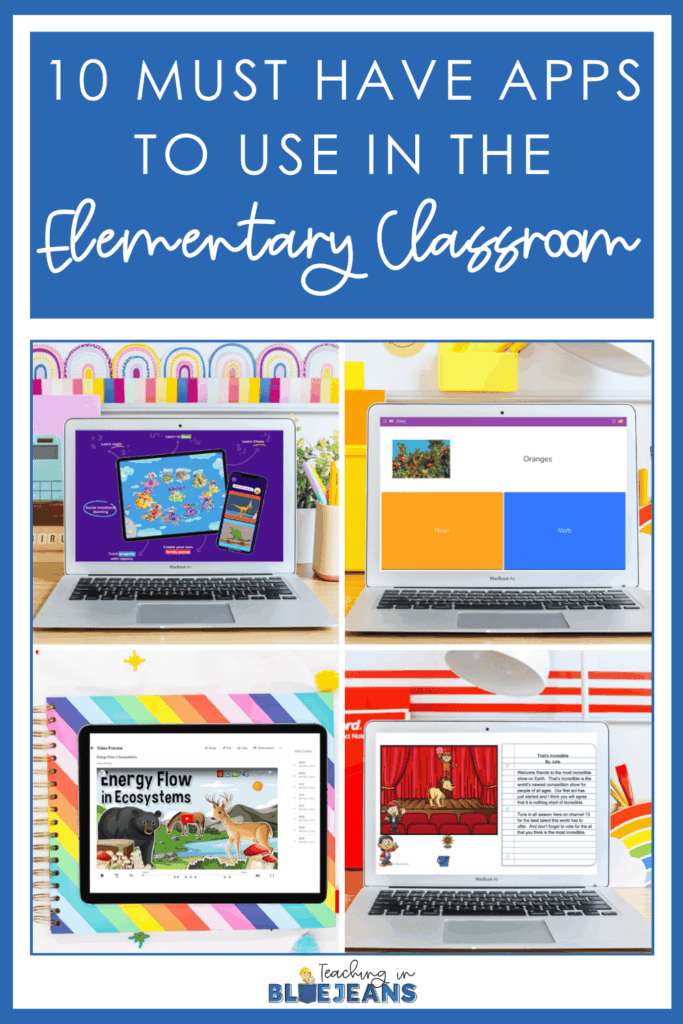






I absolutely love using the internet as a powerful tool in my classroom. When used responsibly and in moderation, it really transforms learning, making it more accessible and interactive for our students. It’s always a joy to see how excited my kiddos get when they hear that part of our lesson or activity involves using one of their devices. There are countless apps out there claiming to be educational, but finding the most beneficial ones can be quite overwhelming. So, today, I’m thrilled to share my list of must-have apps that I find helpful in the elementary classroom. Let’s dive in and ease some of that overwhelm together!
Using apps in the classroom has many benefits, including making teaching and learning more dynamic and fun. Below are some key advantages I’ve noticed when using technology efficiently.

When we incorporate some fun, must-have apps into our classroom, we are enhancing our teaching methods. By doing so, we are enriching our students’ learning experiences.
Now that we’ve covered the benefits of using apps in the classroom, let’s dive into the specific tools that can bring these advantages to life. I’ve handpicked a list of must-have apps that are known to be effective and engaging for our students. Each of these apps offers unique features that enhance learning, foster creativity, and make classroom management a breeze. Let’s take a closer look at each one and see how they can transform your elementary classroom!
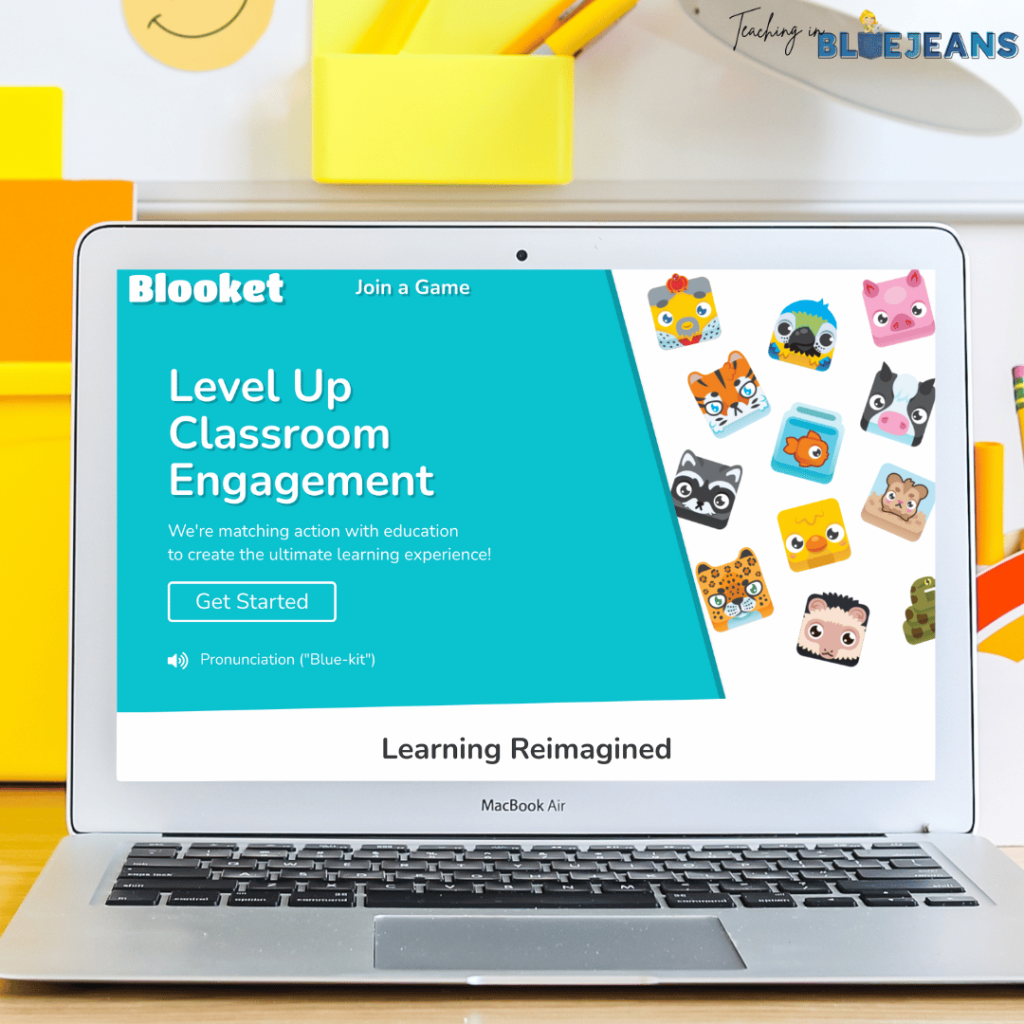
Blooket is one of the more popular must have apps. It’s an interactive and engaging app that transforms quizzes and review sessions into exciting games. It combines learning with fun by allowing your students to answer questions and earn points, which they can use to compete in various game modes. This app is perfect for making review sessions more dynamic and enjoyable for students. There are pre-made quizzes you can use, or you can easily create your own!
In your elementary classroom, you could use Blooket for quick review sessions or to reinforce key concepts. For example, after a lesson on multiplication, you can create a Blooket game where your students answer multiplication problems to earn points. You can play as a class, with your students on their own computers competing against each other. You’ll have the game screen displayed on the board while they are answering questions at their seats. You can also assign different mini-games for your students to access to work on independently when they have time. The game format makes them much more enthusiastic about practicing their skills!

Boddle is a fantastic educational app designed to make learning math fun and interactive. This app uses a game-based approach where your students go on adventures, solve math problems, and earn rewards. Boddle adapts to each of your student’s learning pace, which ensures that everyone gets the right level of challenge.
In your elementary classroom, Boddle is a must-have app for enhancing math practice. I recommend using it during your math centers or as part of daily math practice. Your students can work individually on their devices, solving problems tailored to their skill level. The app’s engaging format keeps them motivated, and adaptive learning ensures they are always challenged but not overwhelmed. Plus, the immediate feedback helps them understand their mistakes and learn from them on the spot.
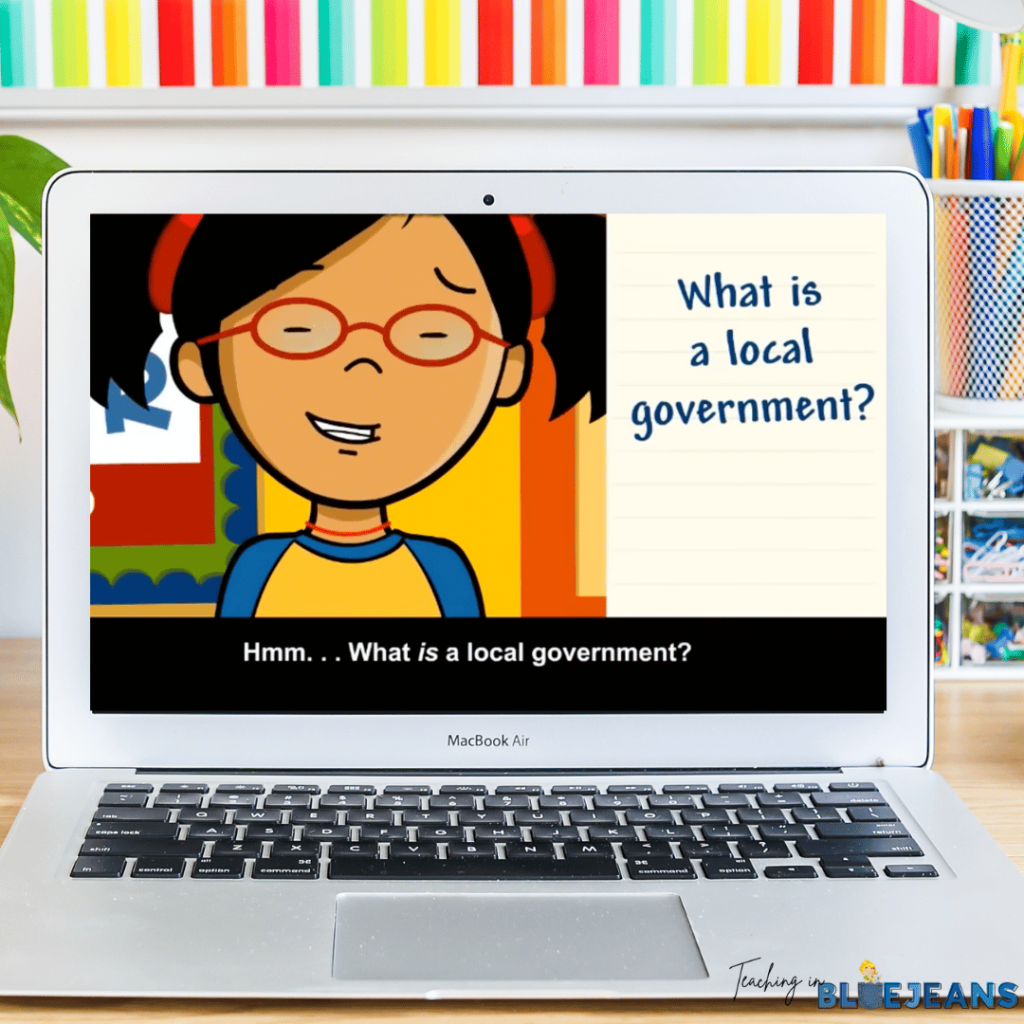
BrainPOP is an amazing app that offers a wide range of animated videos, quizzes, and interactive activities across various subjects like science, math, history, and more. The app is designed to make complex topics more accessible and engaging for your students through its fun and informative animations.
In your elementary classroom, BrainPOP is definitely one of the must have apps you should use to introduce new topics or reinforce lessons. I recommend using it to kick off a new unit by showing an engaging video that sparks your students’ interest and curiosity. For instance, if you’re starting a unit on the solar system, you could play a BrainPOP video about the planets. After the video, you can take the quiz together as a class to check for their understanding. Your students can also explore related activities on their own devices. The app’s interactive approach helps make learning more memorable and enjoyable!
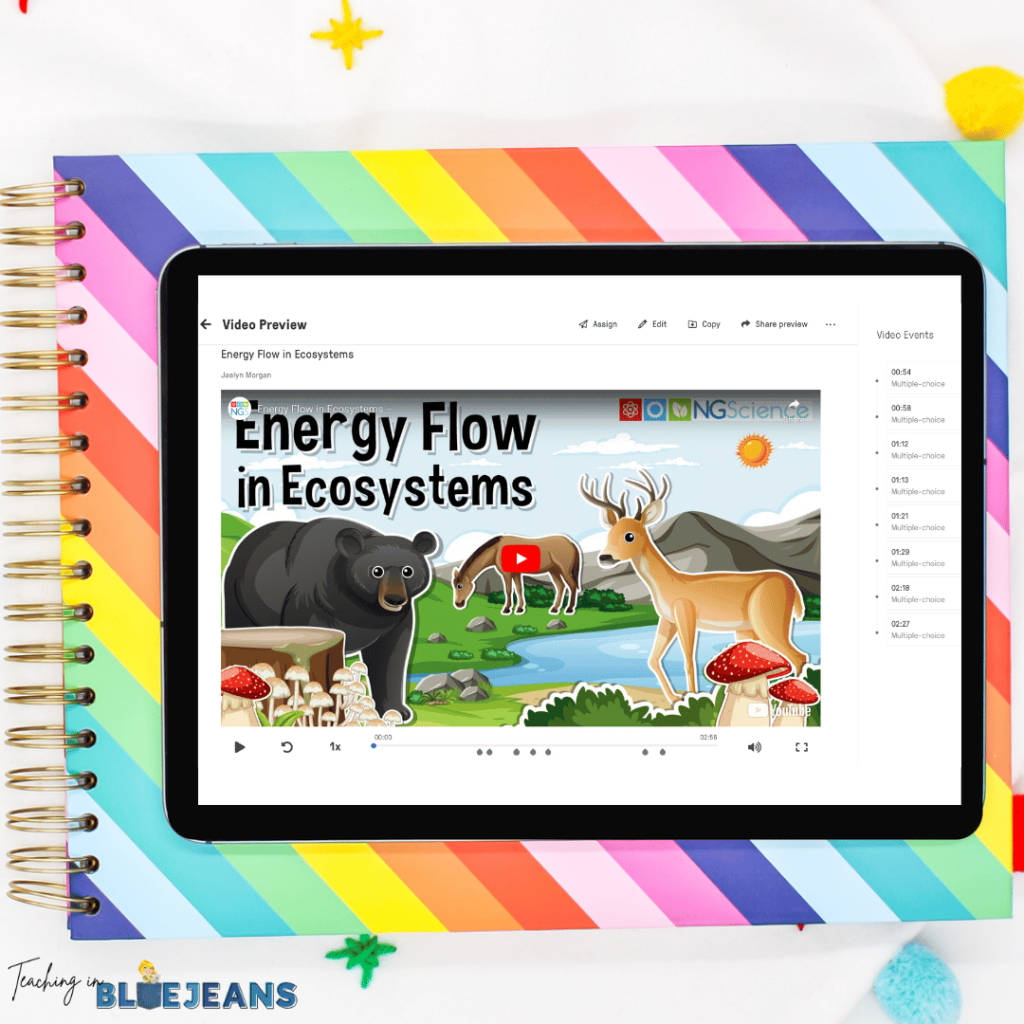
Edpuzzle is an app that transforms videos into interactive lessons. Videos are a great way to introduce a topic or reinforce it, but Edpuzzle takes watching videos one step further. It allows us, the teachers, to add questions, notes, and voiceovers to existing videos from YouTube or our own uploads. Students interact with the video by answering prompts or completing quick tasks to demonstrate their understanding of that portion of the video. It makes video content more engaging and educational.
In your elementary classroom, Edpuzzle is among the must-have apps for enhancing video lessons. You can use it to turn passive watching into active learning by embedding questions throughout the video. For example, when you’re studying ecosystems, you can use a documentary clip and add multiple-choice questions to check comprehension as your students watch. This helps keep them focused and ensures they understand the content. It’s also great for flipped classroom models, where your students can watch and interact with the lesson at home, allowing you to spend class time on discussions and activities.
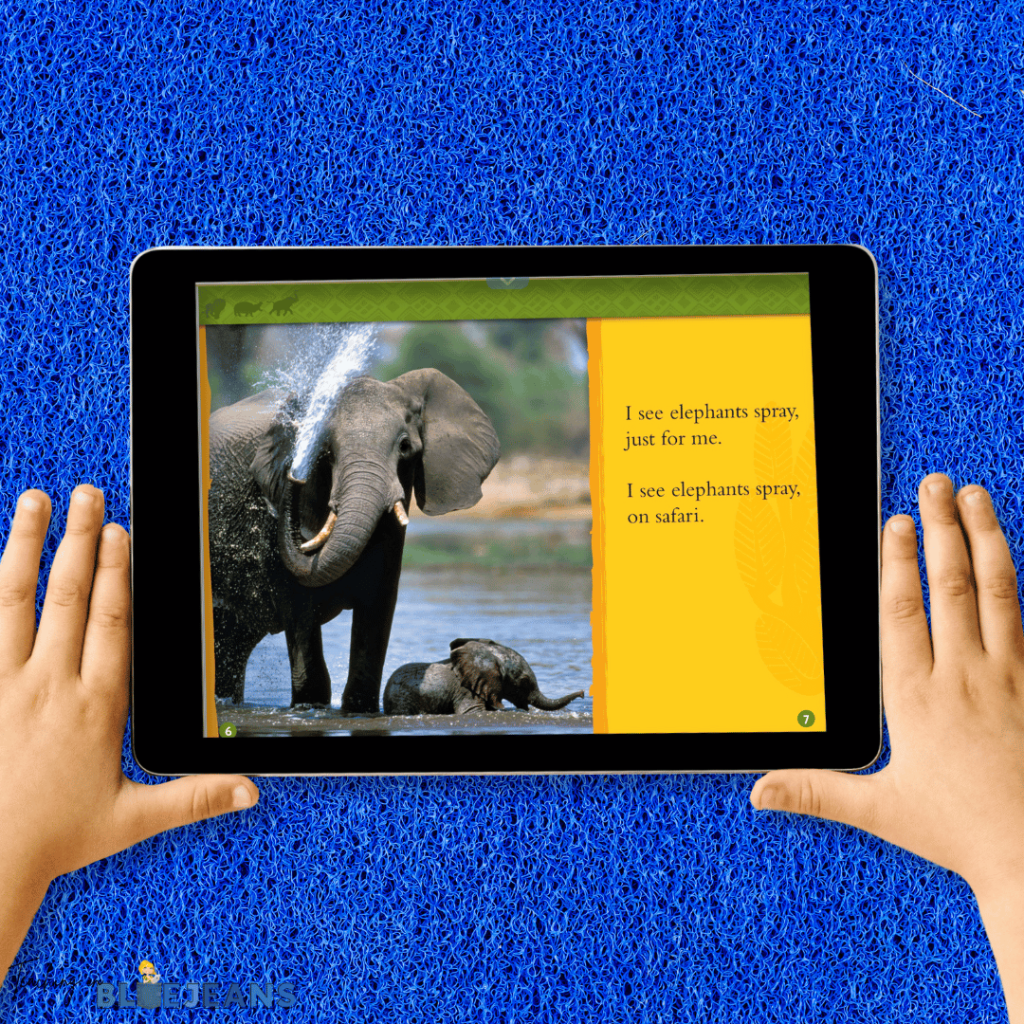
Epic! is an incredible digital library app that offers thousands of high-quality books, audiobooks, and educational videos for kids. It’s designed to make reading exciting and accessible, with content tailored to children’s interests and reading levels.
In your elementary classroom, Epic! is a must-have app for fostering a love of reading. I recommend using it during your independent reading time. Your students can choose from a vast selection of books that pique their interest. The app’s interactive features, like quizzes and read-to-me options, are perfect for engaging your reluctant readers and supporting early readers. Using Epic! is also awesome for group reading activities, where you can explore a book together on the smartboard, discussing and analyzing the story as a class. The wide variety of genres and subjects available ensures that there’s something for every student, making reading a fun and enriching experience.
The Google Suite of Tools (now known as Google Workspace) includes a variety of powerful, user-friendly must have apps like Google Docs, Google Slides, Google Sheets, and Google Classroom. These tools are designed to guide collaboration, creativity, and organization in the classroom. Even if you don’t use Google Classroom, you can still take full advantage of these tools to enhance your teaching and engage your students.

In my elementary classroom, the Google Suite of Tools is a must-have for both teaching and learning. Google Classroom is my go-to platform for managing assignments, sharing resources, and communicating with my students and parents. It’s incredibly convenient to post assignments, track student progress, and provide feedback all in one place.
The magic of Google Suite doesn’t stop there! Google Docs and Google Slides are fantastic for collaborative projects. Students can work together in real time to create reports, presentations, and other documents, no matter where they are. For example, during a social studies unit on community helpers, students can collaborate on a Google Slides presentation, adding their own research and images to each slide. Google Sheets is also handy for data collection and analysis during science experiments.
These must have apps also come into play when I use some of my own digital resources. My kiddos can practice important skills such as sight word practice or improve their writing skills with Build a Scene activities or Would You Rather writing prompts. They can practice their math skills through Math Mystery Pictures, where they solve math problems and reveal a picture by the end. Learning about Thanksgiving becomes more hands-on and memorable with a Digital Thanksgiving WebQuest. These activities work smoothly because of Google Suite. It’s easy for my students to complete their work and for me to manage.
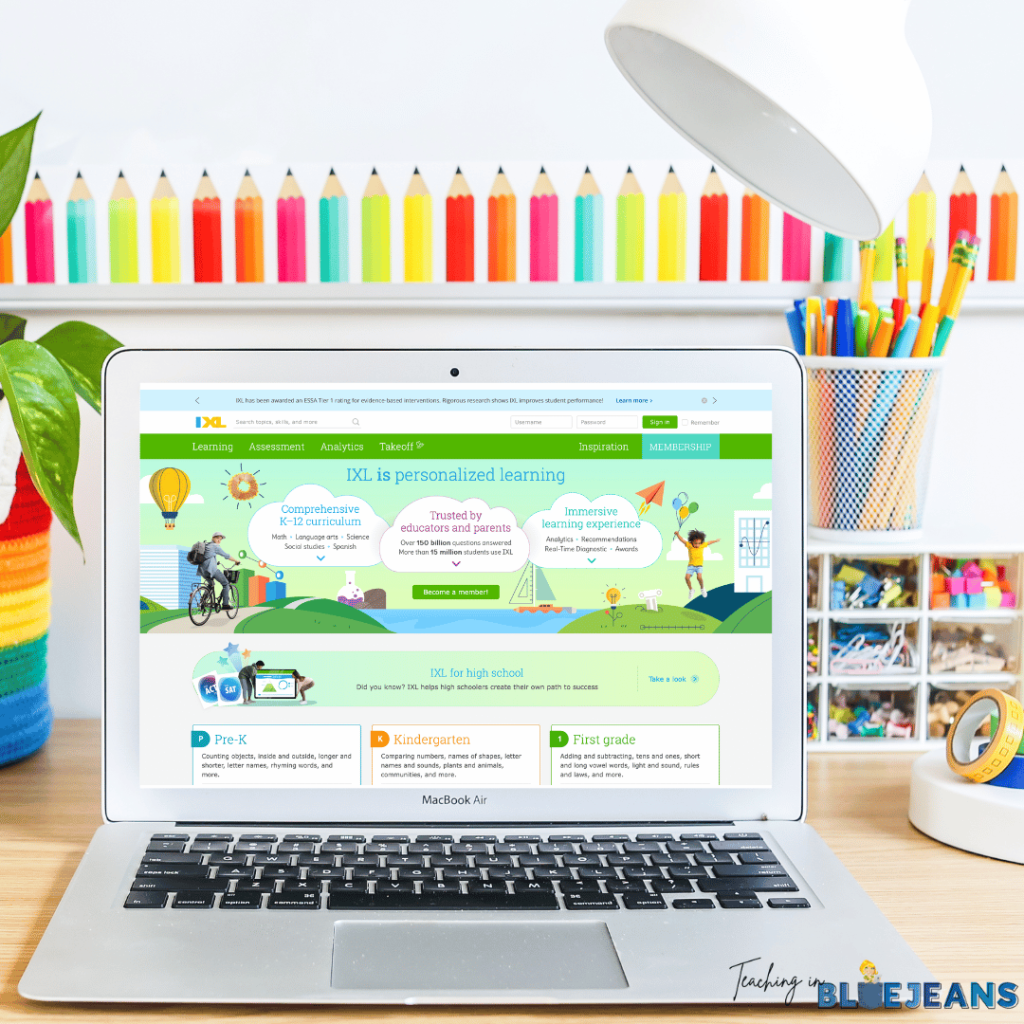
IXL is a learning app that offers personalized practice in a wide range of subjects, including math, language arts, science, and social studies. With its adaptive learning technology, IXL provides individualized practice that adjusts to each of your student’s skill levels, ensuring that every one of your kiddos gets the right amount of challenge and support.
In your elementary classroom, IXL is at the top of the must-have apps for targeted practice and skill reinforcement. I recommend using it to assign specific skills for your students to practice, based on their individual needs. For example, if a student is struggling with fractions, you can assign them fraction exercises on IXL to help them build confidence and proficiency. The app’s analytics also allow you to track student progress and identify areas where they might need additional support.
IXL is perfect for both individual practice and whole-class activities. During your math rotations, students can work independently on IXL while you provide small group instruction to others. It’s also great for homework assignments, allowing your students to practice skills at home with immediate feedback.
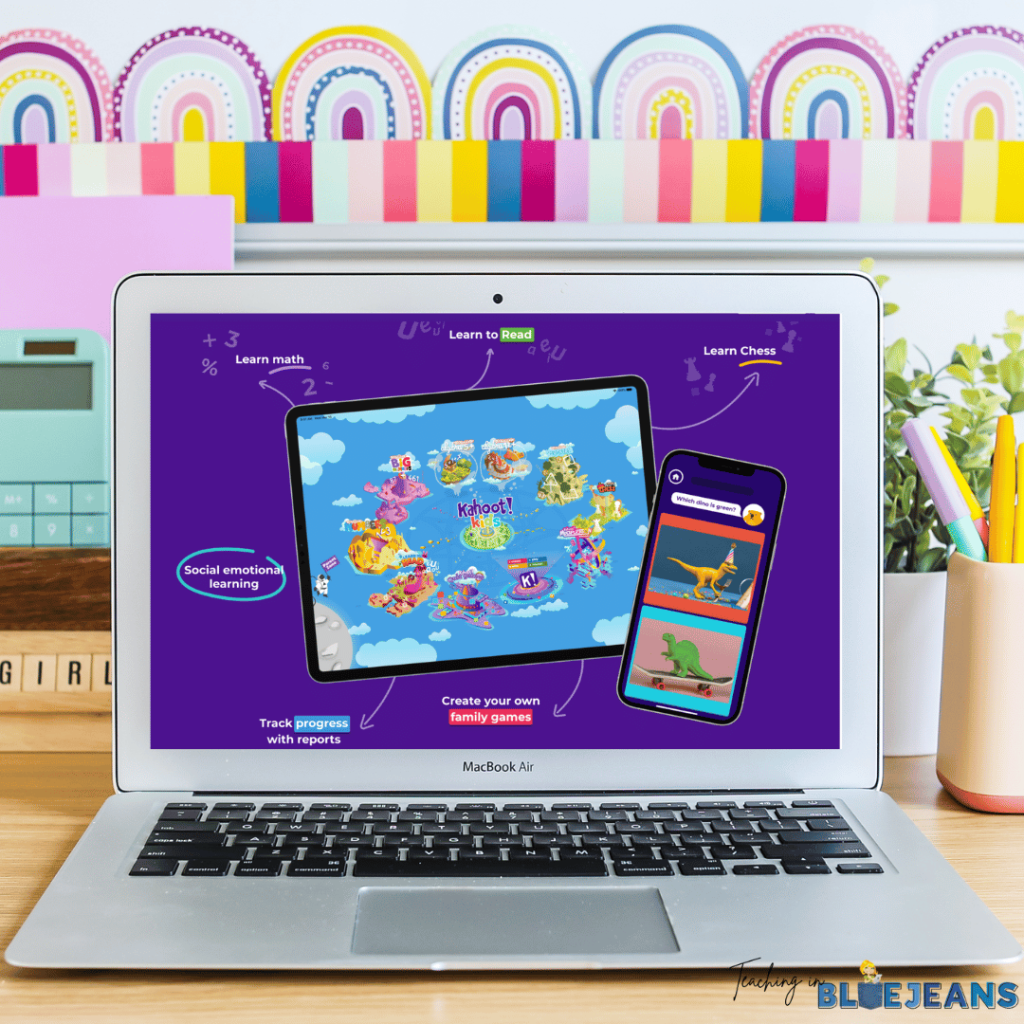
Kahoot! is an engaging and interactive app that turns learning into a fun, game-based experience. It allows you to create quizzes, surveys, and discussions that your students can participate in using their devices. With its vibrant and fast-paced format, Kahoot! makes review sessions and assessments exciting and competitive.
In your elementary classroom, Kahoot! will be another favorite among the must-have apps for energizing your lessons and review activities. You will love using it for quick quizzes to reinforce concepts you’ve just covered. For example, after a science lesson on plant life cycles, you can create a Kahoot! quiz where students can test their knowledge in a fun, competitive way. You can play as a class for a group review session. Your students will eagerly answer questions and proudly show off their competitive sides. The app also allows for individual practice, where your students can review topics at their own pace.
Khan Academy Kids is a comprehensive and engaging educational app designed specifically for your young learners. It offers a wide range of activities across subjects like math, reading, phonics, writing, and social-emotional development. The app features interactive lessons, games, and stories that make learning fun and accessible for children.
In your elementary classroom, Khan Academy Kids is a must-have app for individualized learning and skill reinforcement. I recommend using it during your literacy and math centers. During the centers, your students can work independently on activities that match their learning levels. For instance, a student who needs extra practice with reading comprehension can engage with interactive stories and related questions, while another student might focus on math games to strengthen their number sense. The app’s adaptive learning path ensures that each of your students receives activities tailored to their needs to promote growth and confidence.
Khan Academy Kids is also excellent for at-home learning. This allows your students to continue their educational journey outside the classroom. The engaging content and personalized approach help keep them motivated and excited about learning.
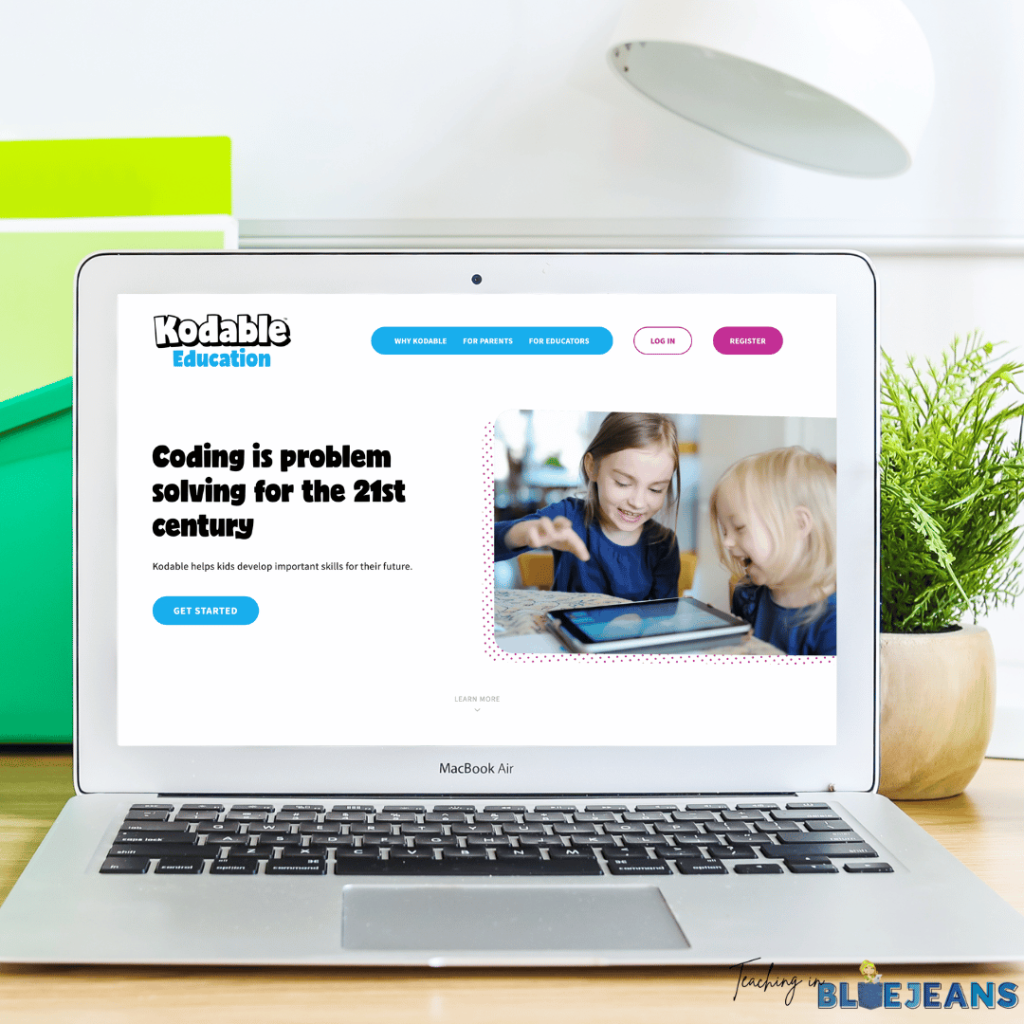
Kodable Basics is an app designed to introduce your students to the world of coding through fun and interactive games. The app features a series of engaging activities that teach fundamental programming concepts such as sequencing, loops, and conditionals in a kid-friendly manner.
In your elementary classroom, Kodable Basics is a must-have app for fostering early coding skills. I recommend incorporating it into your technology lessons. Your students can work individually or in pairs to solve coding puzzles. You might have a “coding day” where your students use Kodable to navigate their characters through different mazes by applying the coding principles they’ve learned. This hands-on approach not only makes learning to code accessible but also incredibly fun.
Kodable Basics is also great for developing problem-solving skills and logical thinking. The app’s step-by-step challenges will help your students build a strong foundation in coding while boosting their confidence as they progress through each level.
Utilizing these must-have apps in your elementary classroom can truly transform the learning experience for both you and your students. From fostering engagement and collaboration to providing personalized learning opportunities and instant feedback, these tools are designed to make your teaching more effective and learning more enjoyable. Whether you’re using Blooket for interactive reviews or enhancing math skills with IXL, each app brings unique benefits that cater to the diverse needs of your students. So, dive in, explore these resources, and watch as your classroom becomes a space where your students are excited to learn and grow!
Looking for more ways to increase student engagement? Check out these blog posts:
Remember to save this post to your favorite teacher Pinterest board to start planning how to use these must have apps!